Locate a company device and interpret its response
Practice separating a location request, available device-response evidence and the recorded position.
Complete this exercise when you need to distinguish a location request, a device response and the position stored for that device. Your result is a short evidence record, not simply a successfully clicked button.
What you will learn
You will identify the correct company device, read its recorded position with time and accuracy, issue one permitted Locate now request, and explain the request outcome, any available receipt evidence and the position record without treating them as one result.
Prepare a controlled test
Use an approved test device and an account allowed to view its location and request a report. Confirm ownership, enrollment and the action available for that device. Keep a connected test device available for the normal path and plan how you will investigate an offline or non-reporting result without issuing commands to unrelated devices.
Create a working record with: device identifier, platform, ownership, baseline report time, displayed time zone, accuracy, request time, request response, and later report time. Leave an unknown field empty or mark it unobserved; do not estimate it from the map.
Step 1: establish the baseline
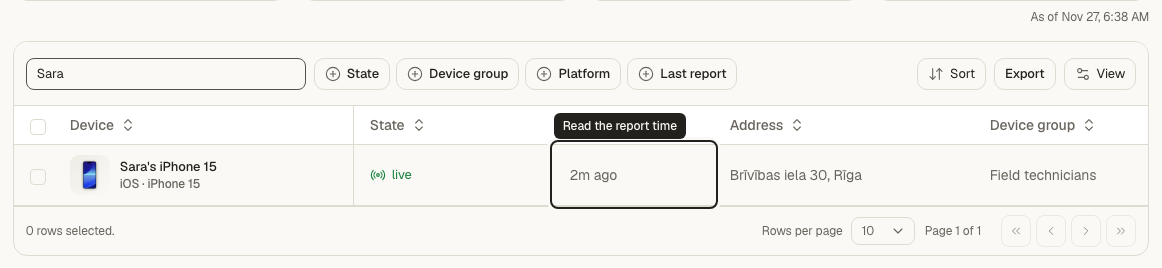
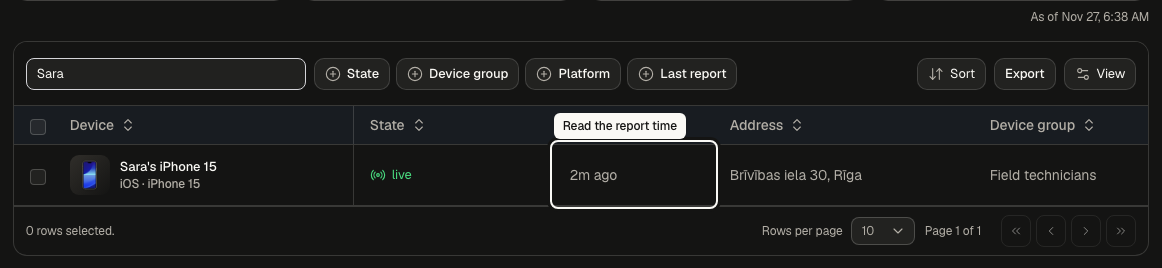
- In Geolocation → Devices, find the test device. Review State and Last report.
- Open the device and select Open record → Location.
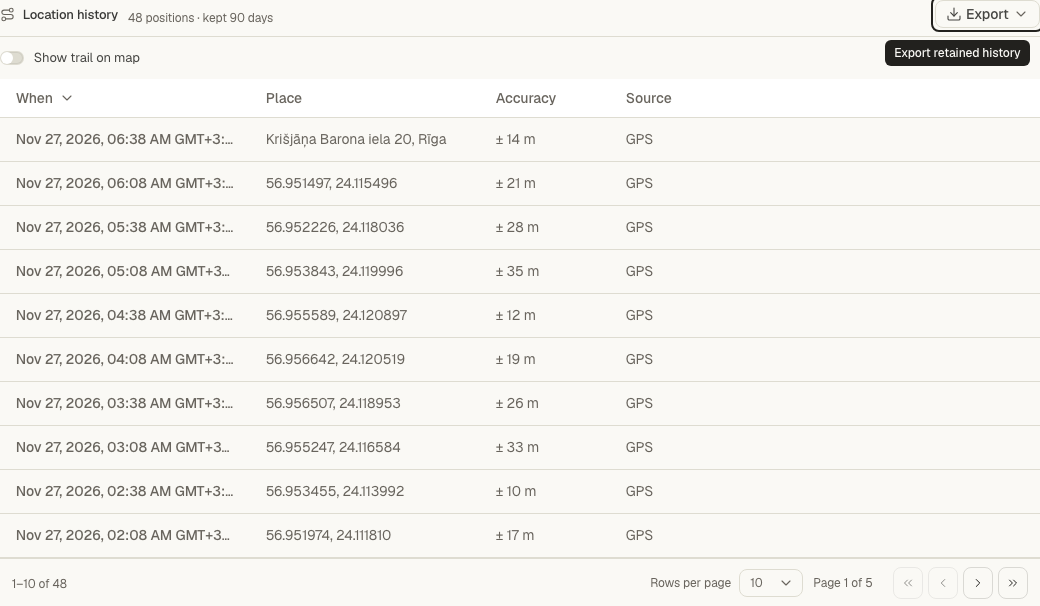
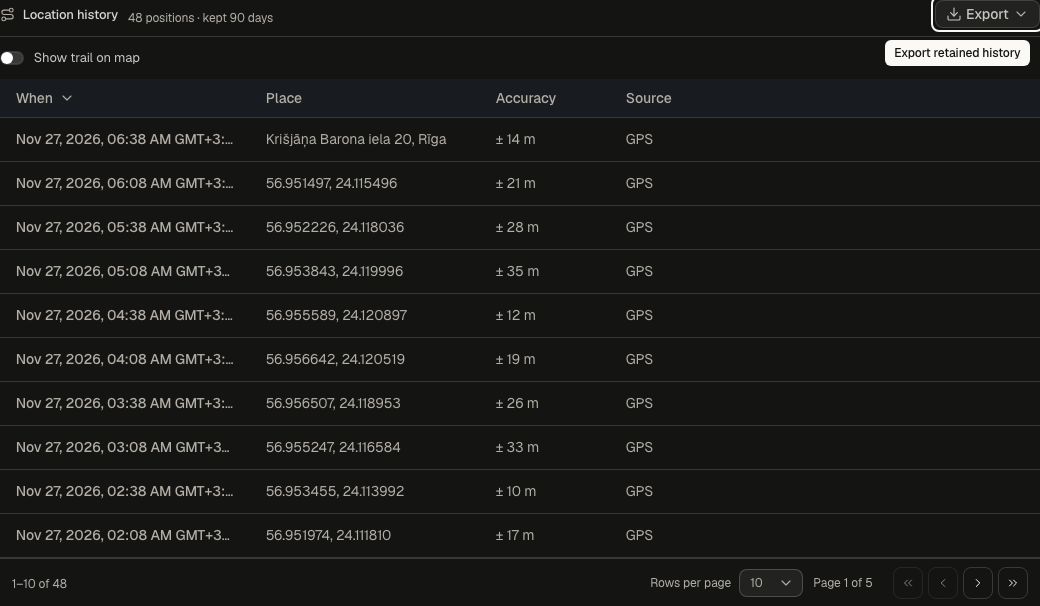
- In Last reported position, record the absolute report time, position and available accuracy.
- Confirm that Locate now is available. If it is not, use the reason shown for the device and stop this action path.
Explain to a colleague why the report time matters even when the map pin looks precise. The device may have moved since that report was recorded.
Step 2: request an update
- Record the time at which you are about to make the request.
- Select Locate now to open the confirmation titled Locate now · [device name]. Verify that it names the intended device.
- Read the explanation. Opening this confirmation has not sent the request.
- Select Send request once to submit. Select Cancel instead if you do not intend to send it; closing the confirmation that way does not submit a request.
- Read the displayed response. Record whether it is pending, rejected, unavailable, failed or otherwise acknowledged as shown by the product.
- Wait for the relevant device response or follow the product's refresh guidance. Do not keep resubmitting while the first result is unresolved.
- Inspect Last reported position again and compare the absolute timestamp with your baseline.
A device can answer a location request and send a report without creating a new position-history record. Repeated nearby observations can be coalesced, so the recorded position time can remain unchanged. Read the request outcome, available report-receipt evidence and the recorded position as separate observations. If the product does not expose a particular response or receipt state, record it as unobserved rather than inventing a field or inferring failure from the position time.
Step 3: explain the observed result
| Result | Correct interpretation | Next action |
|---|---|---|
| Later position time, same coordinates | A newer position record is available | Record both position times and accuracy |
| Later position time, changed coordinates | A newer position record is available with different coordinates | Interpret it at the recorded time |
| Request answered or receipt established, position time unchanged | A repeated nearby report may have been coalesced | Preserve the response evidence and recorded position separately |
| Request accepted, response or receipt not exposed | Acceptance is established; the other observations remain unknown | Use the supported diagnostic path; do not infer failure from position time alone |
| No position available | There is no position to use for this task | Check eligibility, tracking and connectivity |
| Action unavailable or denied | This request cannot proceed under the current conditions | Use the displayed reason and authorized escalation path |
Completion check
You have completed the exercise when you can show the baseline, the single request's actual result, available response or receipt evidence, and the recorded position. A truthful unknown state passes the interpretation exercise. Neither an unchanged position time nor an acceptance message alone settles all three observations.
For a missing-device incident, hand the record to the response owner. Do not infer successful physical recovery, delivery of Lost Mode, or continuous tracking from this exercise.